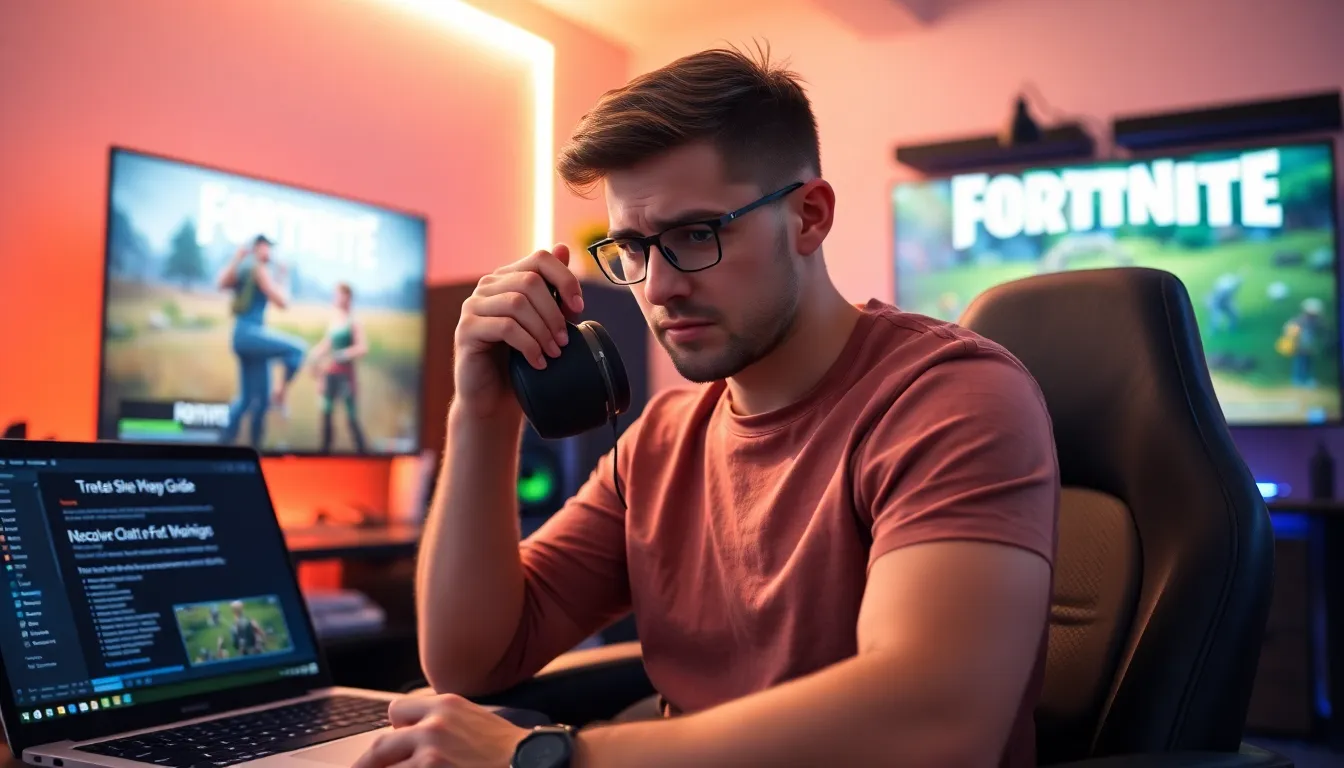

It’s game night. The squad is ready to jump into the Fortnite universe, but wait. The voice chat isn’t working on Xbox. Panic sets in. It’s like being in a pizza restaurant and finding out they’re out of toppings. How can you strategize and coordinate if no one can hear you? No worries. This guide helps navigate through the maze of troubleshooting, ensuring players get back to chatting like pros in no time. Let’s tackle those pesky voice chat issues together.
Common Causes Of Voice Chat Issues

Voice chat in Fortnite is crucial for teamwork, and when it falters, frustration can ensue. It’s essential first to identify the common pitfalls that could be causing the problem.
Network Connectivity Problems
One of the usual culprits behind voice chat hiccups is a poor network connection. Lagging internet speeds can thwart even the best gamer’s plans. If a player’s connection is unstable or spotty, it might cause their voice chat to drop or fail altogether. Encourage players to check their Wi-Fi signals and potentially switch to a wired connection for a more stable experience.
Account And Privacy Settings
Sometimes, it’s not about the game itself, but the account settings. Xbox has robust privacy features that can prevent voice chat from working properly. Ensure that the online privacy settings are configured correctly. Players should check if their accounts are set to allow voice chat. If the settings are too restrictive, communication will inevitably falter.
Audio Settings In Fortnite
Within the game, audio settings play a pivotal role. Players may forget to check if voice chat is enabled in the Fortnite audio settings. It’s a simple oversight but crucial for seamless communication. Ensure that the option for voice chat is toggled on, and check the input/output device settings as well.
Troubleshooting Steps To Fix Voice Chat
If voice chat is still misbehaving after addressing the common causes, it might be time to dig deeper. Here are some troubleshooting steps worth trying.
Check Your Xbox Settings
Start by navigating to the Xbox settings. Often, audio output setups can be the root of the issue. Ensure that the output is set to the right device, whether it’s a headset or TV. Players should also check the volume levels and ensure that the mute function isn’t accidentally turned on.
Adjust Fortnite Audio Settings
After making adjustments to the Xbox settings, it’s time to hop back into Fortnite. Access the audio menu within the game and ensure that voice chat is enabled. Make sure the microphone volume is set appropriately as well. An unbalanced audio level can prevent players from hearing or being heard by their teammates.
Test And Reset Your Network
Finally, if the issues persist, consider testing the network connection. Run a connection test through the Xbox settings. If it reveals network troubles, restart the router. Sometimes, a quick reset can work wonders for connection problems.
Update Your Xbox And Fortnite
Another often overlooked reason behind voice chat issues could be software. Keeping both the Xbox and Fortnite updated is crucial for performance. Updates often contain bug fixes that directly address feature malfunctions, including voice chat. If a player hasn’t updated for a while, it’s time to do so. Navigate to the ‘System’ tab on the Xbox dashboard and check for updates. As for Fortnite, simply launch the game, and any available updates will prompt automatically. Staying current keeps gameplay smooth and minimizes disruptions.
When To Contact Support
If, after following the numerous troubleshooting steps, voice chat remains elusive, it might be time to reach out for professional help. Knowing when to escalate the issue saves time and frustration. Players should consider contacting support if:
- They’ve exhausted all possible fixes from the previous sections.
- Other gamers can communicate without issue, indicating the problem might lie within their setup rather than a broader network issue.
- They encounter error messages that they can’t decipher.
Support teams can provide tailored assistance and guide players through complex technical issues, ensuring they can get back to dominating the Fortnite battleground.