
If your Xbox Elite Controller has seen better days, don’t fret, repairing it can be simpler than you think. These controllers are like that beloved pair of shoes: comfortable, reliable, but often in need of a little TLC. Whether it’s those stubborn buttons that refuse to register or stick drift that’s more persistent than your younger sibling during a game of Halo, help is at hand. Stick around as we explore everything from common issues to expert tips that’ll have you gaming like a champ in no time.
Common Issues with Xbox Elite Controllers
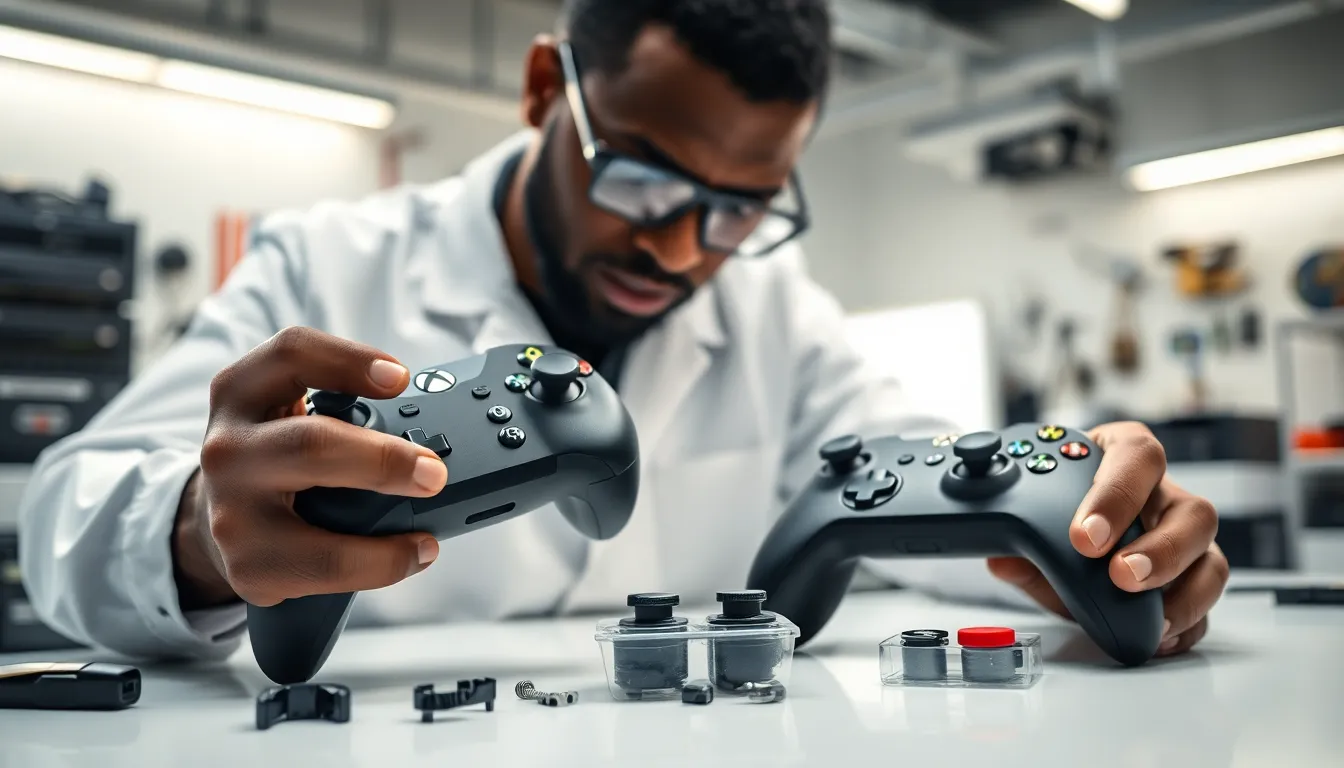
Xbox Elite Controllers are widely praised for their impressive performance, but like any tech, they aren’t immune to problems. Here’s a rundown of the most frequent issues that gamers encounter:
Stick Drift
One of the most notorious problems is stick drift. This occurs when the controller registers movement even when the sticks are at rest. It can feel like the character is moving on their own, which is frustrating, to say the least.
Button Malfunctions
Buttons that are unresponsive, sticky, or providing inconsistent feedback can ruin a gaming session. Sometimes, they might even become completely stuck or require excessive force to activate.
Connectivity Problems
Whether it’s Bluetooth lag or the controller not connecting at all, connectivity issues are frustrating. This disrupts gameplay, especially in competitive scenarios where every millisecond matters.
Battery Life Woes
If the battery drains faster than a game of Fortnite, there could be underlying issues. It’s essential to check the battery connections and ensure the battery pack isn’t worn out.
Profile Settings Reset
On occasion, the custom profiles set up for various games may revert to defaults. This often surprises players who rely on specific configurations.
Understanding the Anatomy of the Controller
To effectively address issues, a grasp of the controller’s anatomy is vital. Understanding its components will make troubleshooting much easier.
Analog Sticks
The analog sticks are precision instruments. They consist of a housing, a stick, and wiring that relays information to the console. Any dust or grime can interfere with their function.
Buttons
Each button has a mechanism, usually with a rubber dome that presses down when activated. If this dome wears out, the button could respond poorly.
PCB Layout
Beneath the exterior lies the Printed Circuit Board (PCB), the heart of the controller. It’s crucial for sending signals between your physical actions and the console. Damage here can lead to numerous issues.
Triggers and Bumpers
The triggers often have a slight delay if the springs weaken. Bumpers can become unresponsive if the internal circuits are failing.
Step-by-Step Repair Guide
When something goes wrong, knowing how to repair your Xbox Elite Controller can save time and money. Here’s an uncomplicated, step-by-step guide:
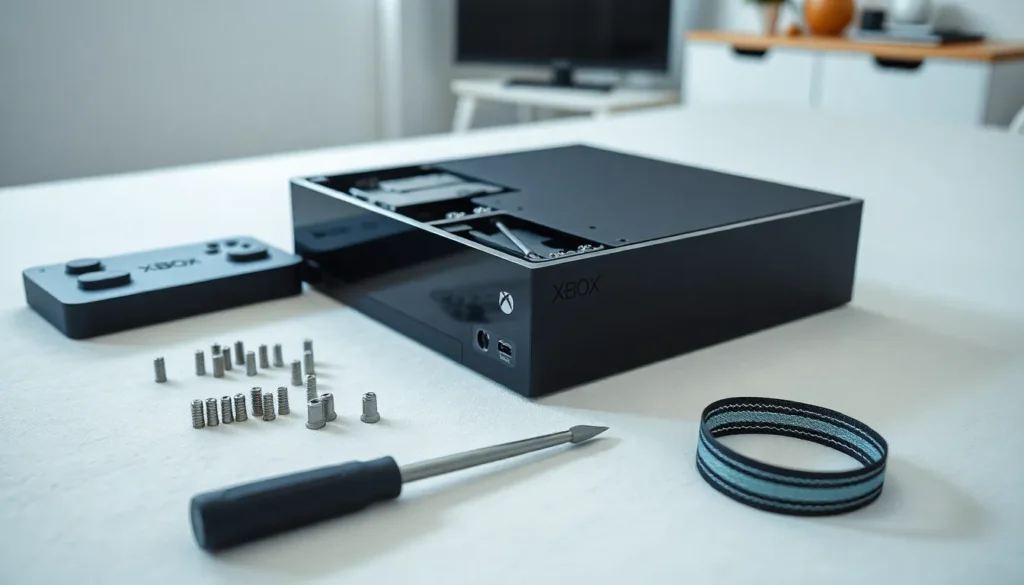
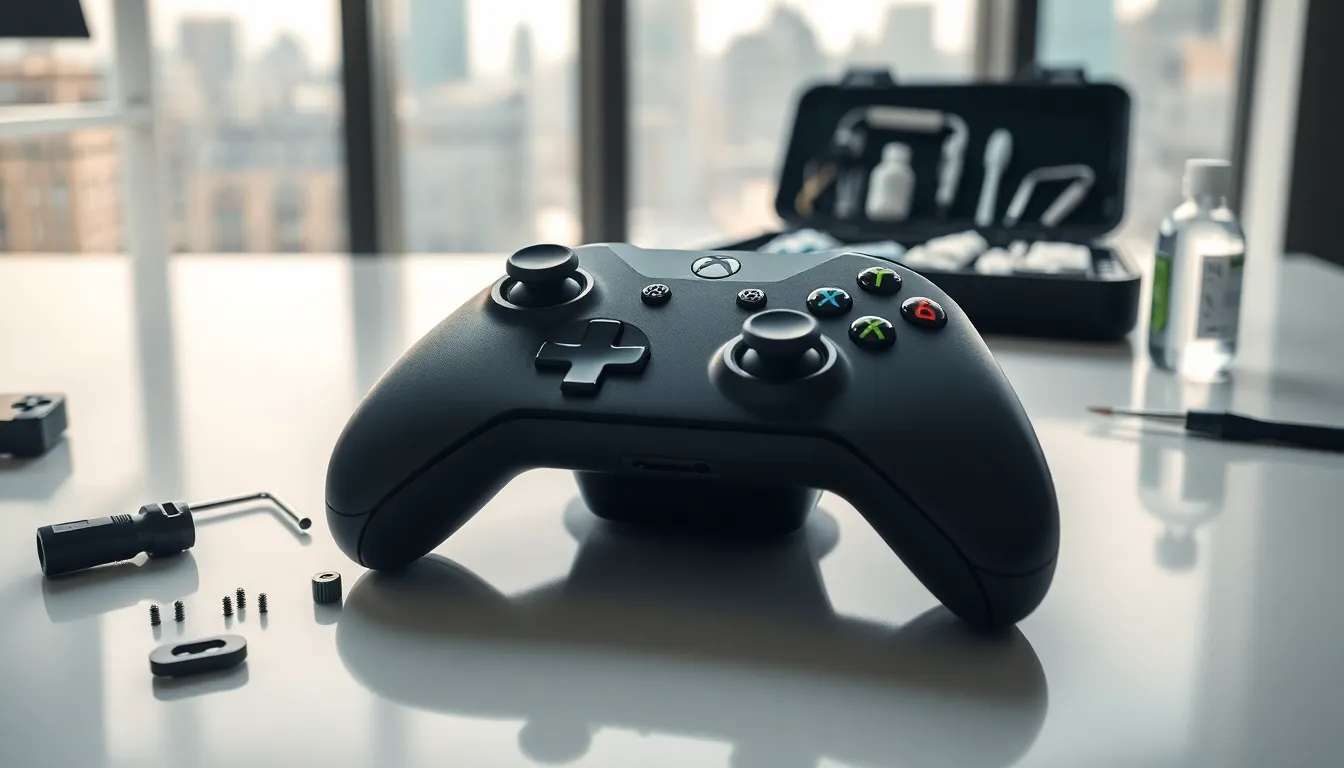
Step 1: Gather Your Tools
You’ll need a Torx screwdriver, isopropyl alcohol, cotton swabs, and possibly replacement parts.
Step 2: Disassemble the Controller
Start by removing the screws on the back. Carefully lift off the back panel to access the internal components.
Step 3: Clean the Internals
Use isopropyl alcohol on a cotton swab to clean dust and debris from the sticks and internal mechanisms. Be gentle but thorough.
Step 4: Replace Any Faulty Parts
If you notice damaged components, be sure to replace them. This might include changing out the analog sticks or buttons, which can be purchased online.
Step 5: Reassemble and Test
Put the controller back together, ensuring everything is properly aligned. Before you screw it all back, test the controller to see if the issues have been resolved.
Preventative Maintenance Tips
Preventing issues is always easier than repairing them. Here are some simple maintenance tips to extend the life of your Xbox Elite Controller:
Keep It Clean
Regularly wipe down the controller with a slightly damp microfiber cloth to keep crumbs and dust at bay.
Store It Properly
Instead of tossing it in a drawer with other gadgets, consider a designated spot to prevent accidental damage.
Avoid Excessive Force
Be mindful when pressing buttons and using analog sticks. Treat it gently to minimize wear.
Update Firmware
Keep up with firmware updates from Xbox. These can improve functionality and potential glitches.
When to Seek Professional Repair Services
Sometimes, not all problems can be fixed at home. Here’s when it’s wise to consult a professional:
Persistent Issues
If the same error keeps cropping up even though your fixes, a deeper issue might be at play.
Internal Damage
In case of severe damage or malfunction, don’t hesitate to seek help. Attempting to fix it might lead to more issues.
Warranty Considerations
If the controller is still under warranty, it may be wise to contact Xbox support rather than attempt a DIY repair. You might get a replacement or repair at no additional cost.